API Keys
> Authenticate requests to your Brickr APIs using API keys.
What is an API Key
API keys are secret tokens used to authenticate requests to your APIs. Each key is unique to your workspace and should be kept confidential.
Brickr provides two types of keys:
- Workspace API Key -- used to authenticate requests from your applications to your Brickr APIs
- Admin API Key -- used internally for workspace management operations
Creating an API Key
1. Navigate to Dashboard > Workspace Settings. 2. Find the API Keys section. 3. Click Generate New Key. 4. Copy the key immediately -- it will only be shown once.
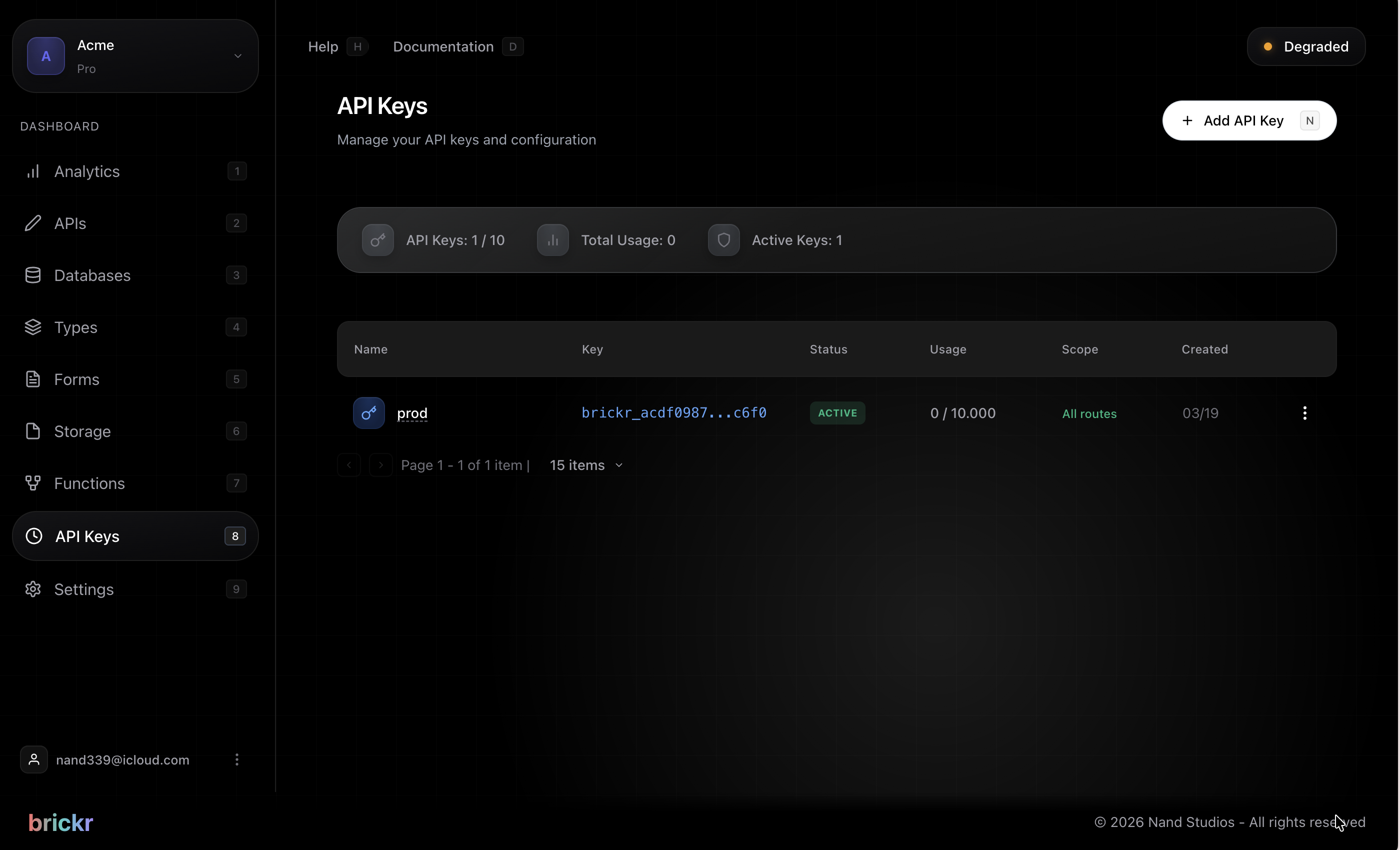
For security reasons, you can only view the full API key at the time of creation. Store it securely in your application's environment variables.
Using API Keys
Include your API key in the X-API-Key header of your requests:
curl -H "X-API-Key: your-api-key" https://app.brickr.dev/my-workspace-id/my-api/helloOr in JavaScript:
const response = await fetch('https://app.brickr.dev/my-workspace-id/my-api/hello', {
  headers: {
    'X-API-Key': 'your-api-key'
  }
});
Rotating Keys
If a key is compromised or you want to rotate it for security:
1. Generate a new key first. 2. Update your applications to use the new key. 3. Delete the old key.
Rotate your API keys periodically as a security best practice. Update your applications before deleting the old key to avoid downtime.
Key best practices
- Never commit API keys to version control
- Use environment variables to store keys
- Use different keys for development and production
- Rotate keys regularly
- Delete keys that are no longer in use